
Hey Tech Enthusiasts,
In the ever-evolving world of messaging apps, WhatsApp has been a pioneer in bringing innovative features to the table. Brace yourselves because a game-changer is on the horizon – the all-new Sticker Editor for iOS!
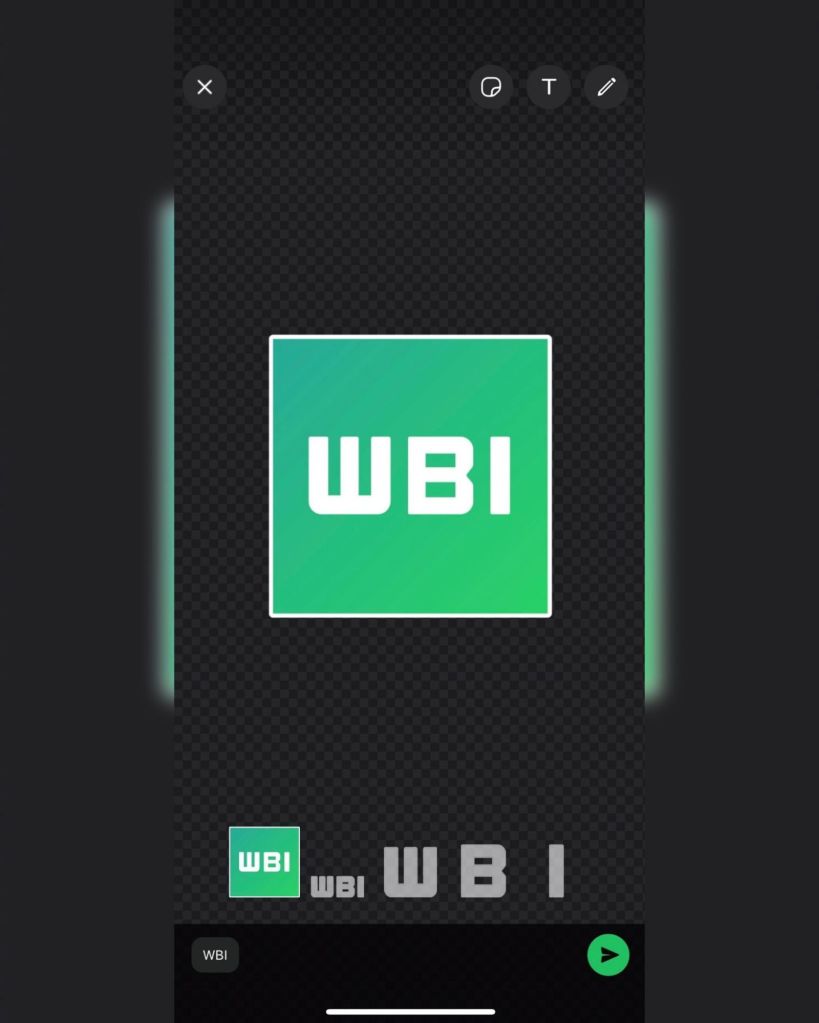
In an exclusive video released by WhatsApp, the process of customizing stickers has been unveiled. Here’s a sneak peek at how you can elevate your messaging game in just a few taps:
Why You’ll Love It: Get ready to unleash your creativity! The Sticker Editor is not just about customization; it’s about making your chats more vibrant, expressive, and downright fun. Stand out in group chats, share inside jokes with flair, and leave a lasting impression with your personalized sticker collection.
How It Works on iOS – In 3 Simple Steps:
1.Tap the ‘+’ button: Open WhatsApp and select a chat. Simply tap on the ‘+’ button.
2.Access ‘Create Sticker’ menu: A menu will open with the option ‘Create Sticker.’ Here, you’ll find a selection of your pictures to choose from.
3.Choose a picture and edit away: Select a picture, and the Sticker Editor will open. From here, you can edit and customize your sticker to your heart’s content!
Stay Ahead of the Curve:
Tech enthusiasts, this is your chance to be ahead of the curve. While the rest of the world is still unaware of this upcoming feature, you can be the first to explore and embrace the future of messaging. Share your customized stickers and become the trendsetter in your digital circles.
So, gear up for the unveiling of WhatsApp’s secret weapon – the Sticker Editor for iOS. Your chats are about to get a whole lot more exciting, expressive, and exclusively yours!
 TechIsland